
Opia documentation
Run repeatable network activities
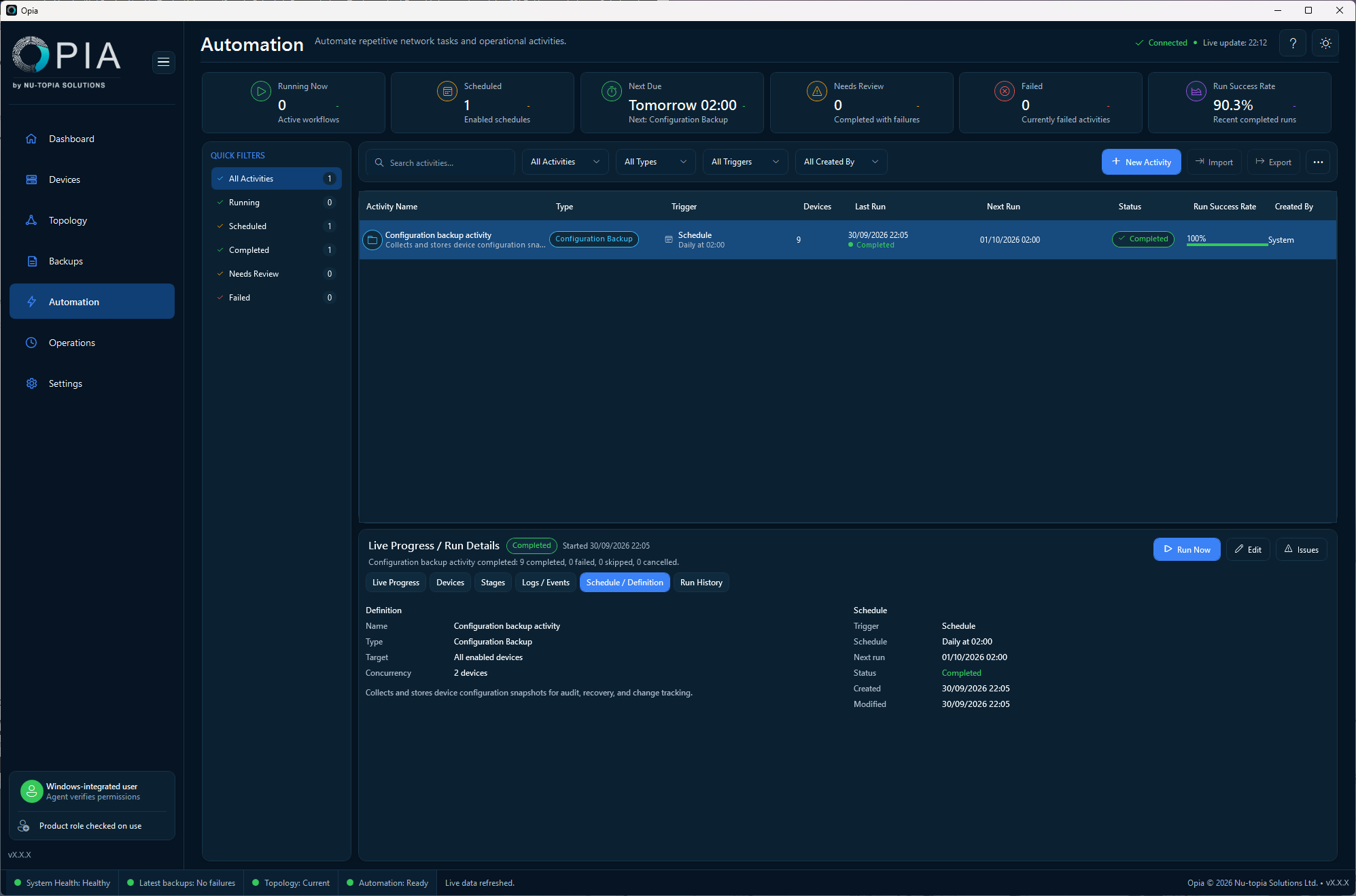
Run repeatable network operations manually or on schedules through the Opia Agent.
Applies to Opia 26.8.1Automation turns a working manual workflow into repeatable queued or scheduled work. Start with a small target set, confirm the result, then expand the scope.
Create an activity
- Open Automation and create an activity.
- Choose the workflow: Backup, Fingerprint, Inventory Collection, Topology Discovery or Connectivity Test.
- Choose the target: all enabled devices, a device, device list, group, tag, inferred role or site.
- Confirm the target devices have suitable credentials.
- Choose manual-only operation or configure a schedule.
- Review the summary, enable the activity and save it.
- Use Run Now to test it immediately, or wait for the next scheduled run.
Schedule options
| Mode | Use |
|---|---|
| Manual only | No schedule; run the activity when required. |
| Daily | Run every day at one or more selected times. |
| Weekdays | Run Monday to Friday. |
| Selected days | Run on chosen days of the week. |
| Monthly | Run on a selected day from 1 to 28. |
| Advanced | Use an administrator-supplied Quartz cron expression. |
Opia shows the next due time where the schedule can be interpreted in the effective local time zone.
What happens when the console is closed
The Opia Agent owns queued and scheduled execution, so closing the desktop application does not cancel Agent-owned work. If the Agent is stopped or unhealthy, schedules cannot execute until it is restored.
Licensing and credentials
Every target must have a usable credential profile. Licensed operations are checked before they are accepted and again before they execute. Missing credentials, missing entitlements, invalid licensing or capacity problems are recorded as skipped or failed work rather than bypassed.
When an activity does not run
Check the Agent status, target selection, credentials, licence, schedule summary and the operation stages and progress in Operations → Activity Runs. Correct the underlying cause and rerun the activity where appropriate.